
GOM Tools for Shopify
WhatsApp widgets
Floating WhatsApp buttons with page rules, a welcome panel, styles and the visit's campaign in every message.
On this page
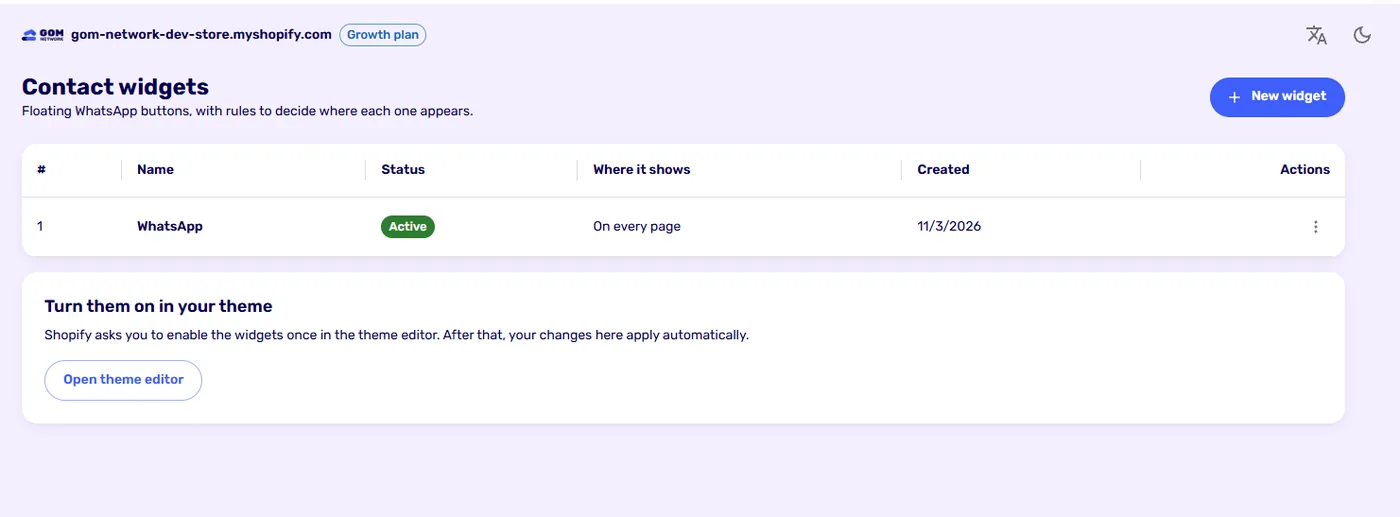
A widget is a floating button that opens WhatsApp. You can have several, each with its own number, rules and look, depending on your plan.
Set up WhatsApp#
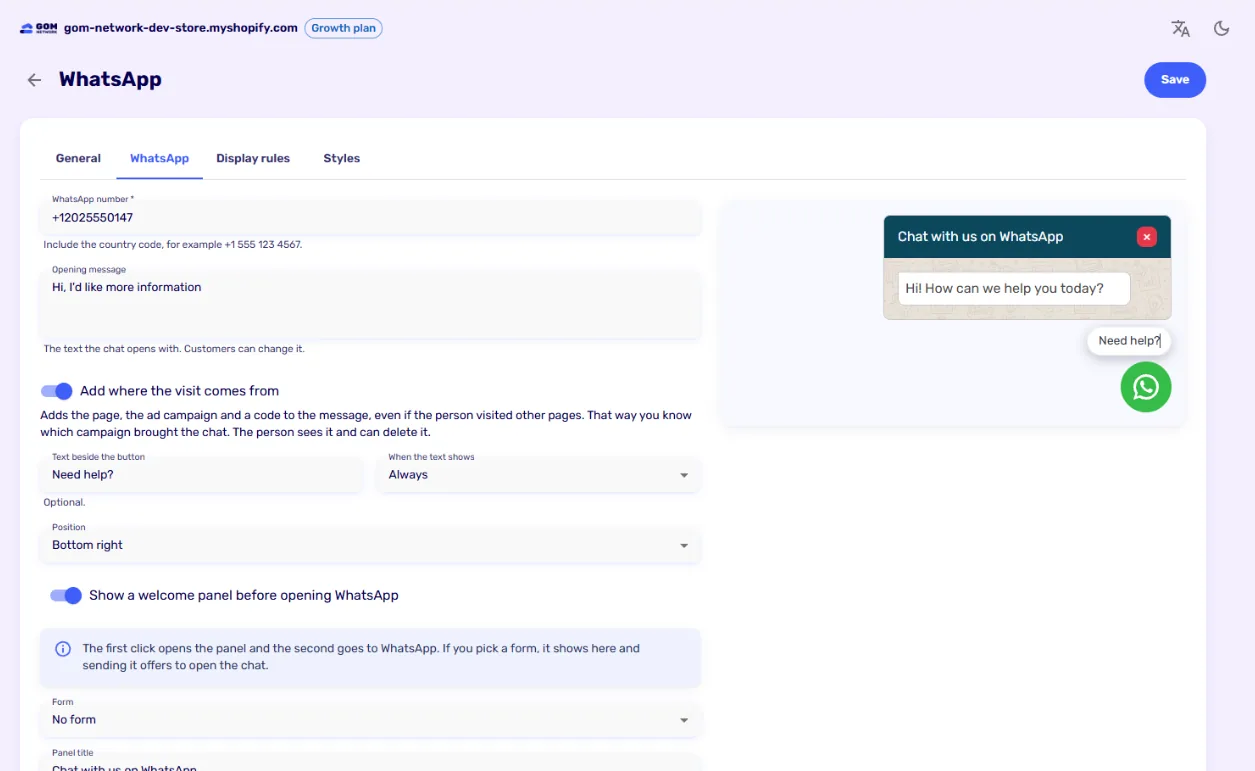
| Setting | What it does |
|---|---|
| WhatsApp number | With the country code, for example +1 555 123 4567. |
| Opening message | The text the chat opens with. The customer can change it before sending. |
| Add where the visit comes from | Adds the page, the ad campaign and a visit code to the message. See The visit source in the message. |
| Text beside the button | A label such as “Need help?”. It can show always or only on hover. |
| Position | Bottom right or bottom left. |
| Welcome panel | The first click opens a panel with a title and a message; the second goes to WhatsApp. If you pick a form, it shows in the panel and sending it offers to open the chat. The panel can also open on its own, after a few seconds or when the visitor reaches part of the page. |
Display rules#
They decide which pages show the widget:
- On every page, the default.
- Show only where the rules match.
- Hide where the rules match.
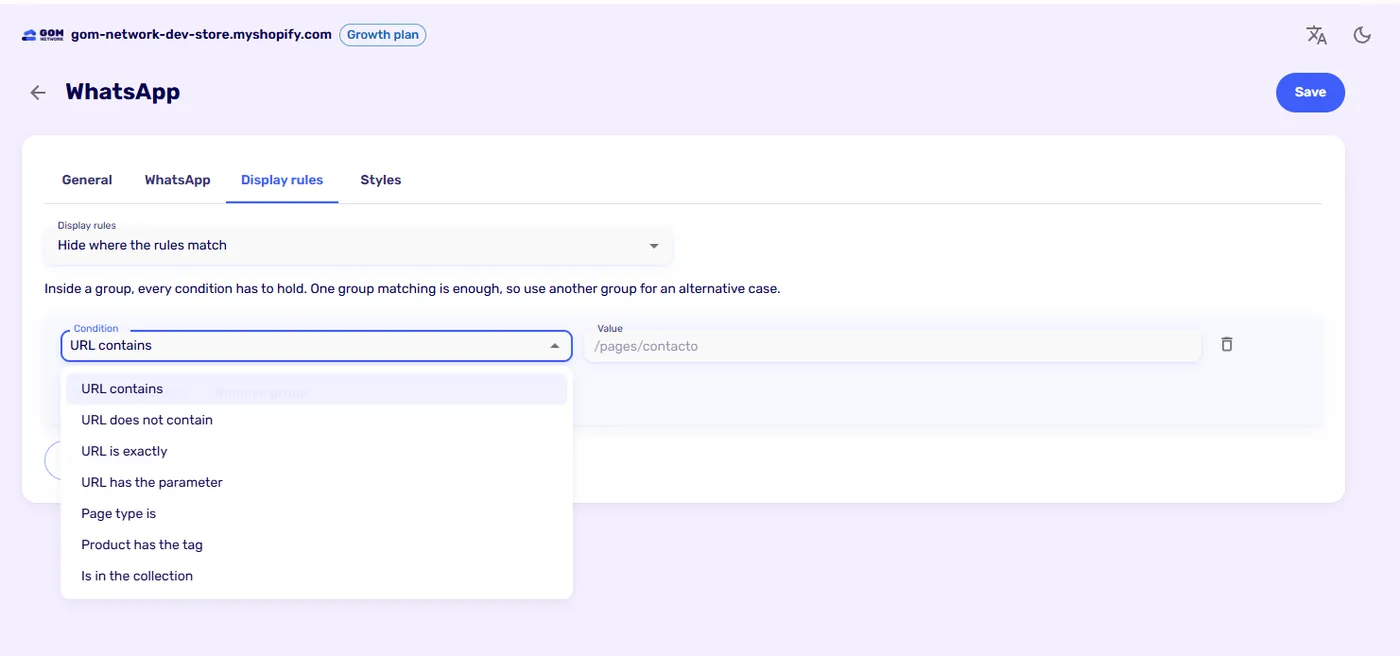
Conditions are grouped. Inside a group, every condition has to hold; one group matching is enough, so use another group for an alternative case. Available conditions:
- URL contains, does not contain or is exactly a text.
- URL has a parameter, for example
utm_campaign. - Page type is: home, product, collection, collections list, page, blog, article, cart, search, password or page not found.
- Product has a tag.
- Is in a collection.
Each page shows one widget: the first active one, by age, whose rules match. To show another number on a collection, create a widget for that collection and set the general one to hide there.
Styles#
In the Styles tab you choose where the widget’s styles come from:
- The global widget styles, shared by all widgets. You edit them in Widget styles.
- Styles just for this widget.
- No styles.
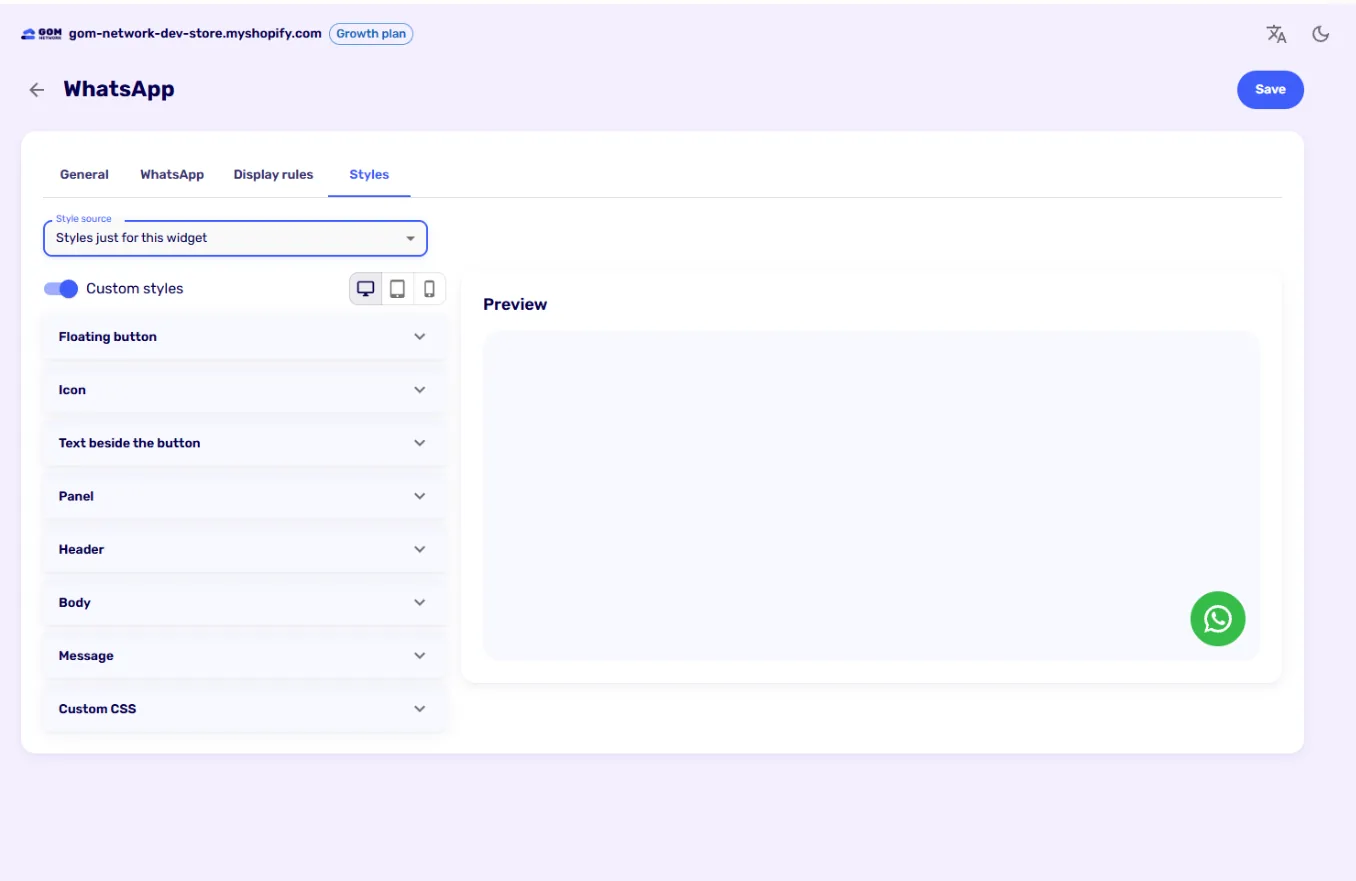
You can adjust the floating button, the icon, the text beside the button, and the panel with its header, body and message, separately for desktop, tablet and mobile. For finer control there is a Custom CSS field.
The visit source in the message#
With Add where the visit comes from on, the message carries the current page, the ad campaign that brought the person (even after visiting other pages) and a visit code when they click:
Hi, I'd like more information

Page: https://yourstore.com/products/sneakers?utm_source=google&utm_medium=cpc&utm_campaign=spring
Ref: GT-7KQ2M9XA
That way you know which campaign brought the chat. The person sees the text and can delete it. Business Manager uses the GT-… code to credit a sale closed on WhatsApp to its campaign. Without cookie consent, the message carries only the page.
Measure the clicks#
Opening the widget, closing it, sending its form and going to WhatsApp can be sent as events to Google and Meta. See Tracking events.
Didn't find what you were looking for? Write to us at info@gomnetwork.com.