
GOM Tools for Shopify
Plans and billing
What each plan includes, what it costs and how to change it. Shopify bills it on your store's invoice.
On this page
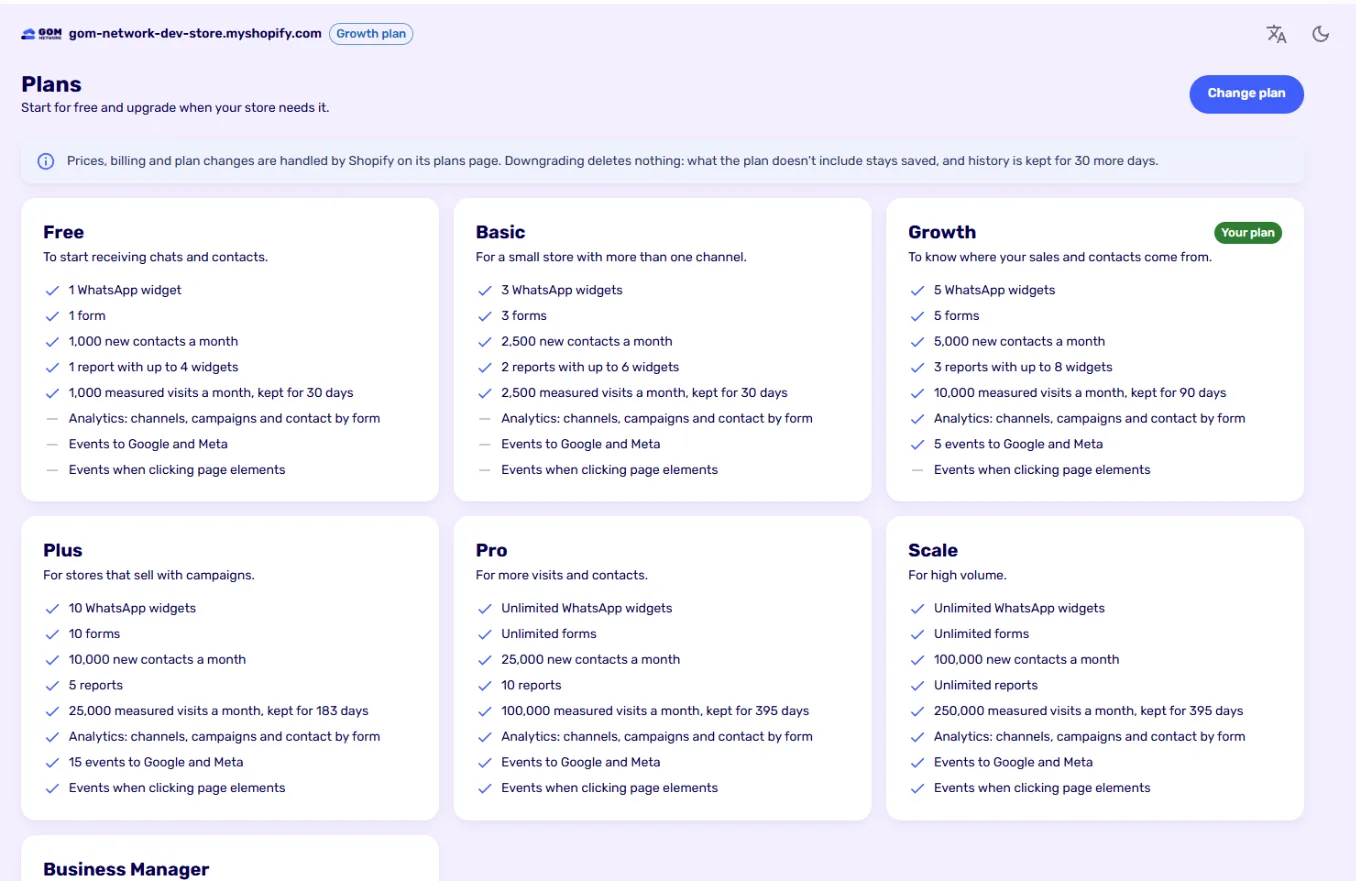
Compare plans#
| Free | Basic | Growth | Plus | Pro | Scale | |
|---|---|---|---|---|---|---|
| Price per month (USD) | Free | 2.99 | 4.99 | 9.99 | 19.99 | 49.99 |
| WhatsApp widgets | 1 | 3 | 5 | 10 | Unlimited | Unlimited |
| Forms | 1 | 3 | 5 | 10 | Unlimited | Unlimited |
| New contacts a month | 1,000 | 2,500 | 5,000 | 10,000 | 25,000 | 100,000 |
| Reports | 1 (4 widgets) | 2 (6 widgets) | 3 (8 widgets) | 5 | 10 | Unlimited |
| Measured visits a month | 1,000 | 2,500 | 10,000 | 25,000 | 100,000 | 250,000 |
| Visits kept for | 30 days | 30 days | 90 days | 6 months | 13 months | 13 months |
| Analytics: channels, campaigns and contact by form | — | — | ✓ | ✓ | ✓ | ✓ |
| Events to Google and Meta | — | — | 5 | 15 | Unlimited | Unlimited |
| Events on page element clicks | — | — | — | ✓ | ✓ | ✓ |
Yearly billing equals 10 months: two months free. Paid plans come with a 14-day trial.
Change your plan#
- In the app, go to Plans and click Change plan.
- Shopify opens its plans page: choose the plan and approve the charge.
- When you come back, the app already shows your new plan.
Prices, billing, trials and cancellations are handled by Shopify, on your store’s invoice.
Downgrading#
Downgrading deletes nothing. What the new plan doesn’t include stays saved and stops being published; if you upgrade again, it comes back. History is kept 30 more days with the previous plan’s retention.
Didn't find what you were looking for? Write to us at info@gomnetwork.com.